
1. 产品已创建
1.1 单个更新
- 点击 Products – Manage products – Actions – Edit Product。
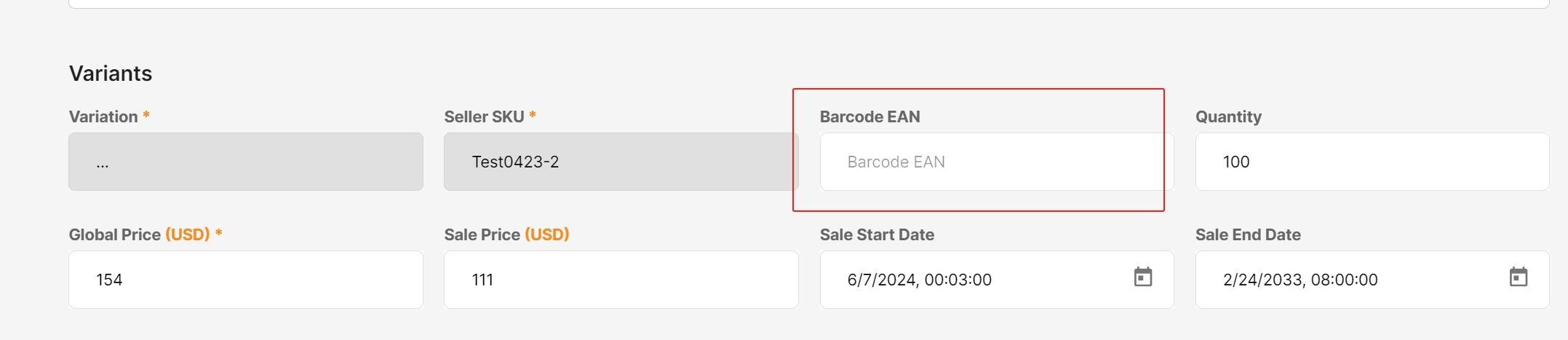
- 查找 Barcode EAN 方框。
- 填入GTIN Barcode。
- 点击 Summit。

1.2 批量更新:
步骤如下:
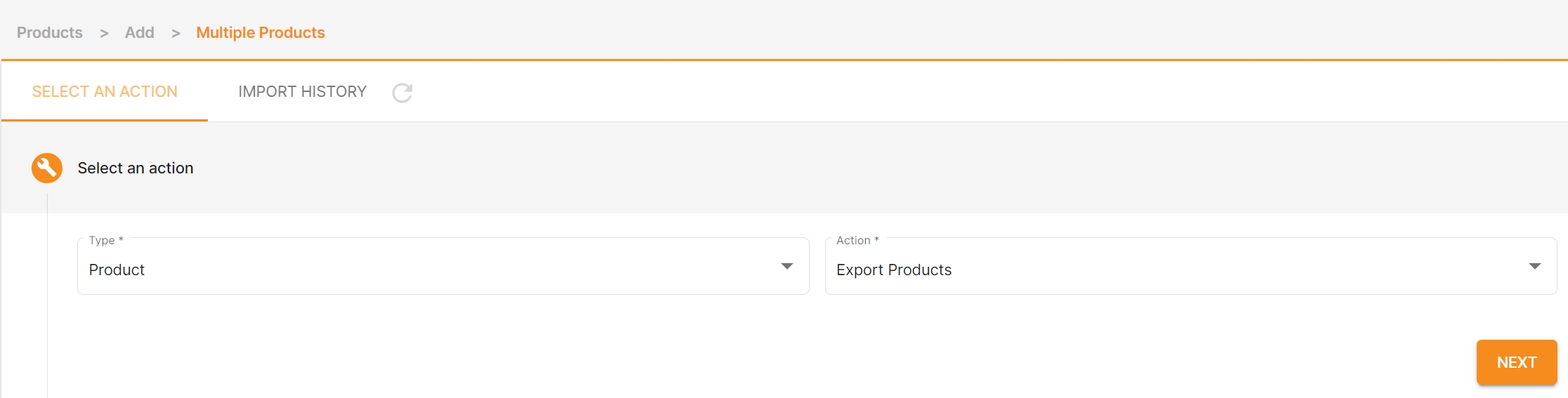
- 点击 Products – IMPORT / EXPORT。
- Type 选 Product。
- Action 选 Export Products。
- 选择Category type。
- 点击EXPORT。


2. 产品创建时
2.1 单个创建时
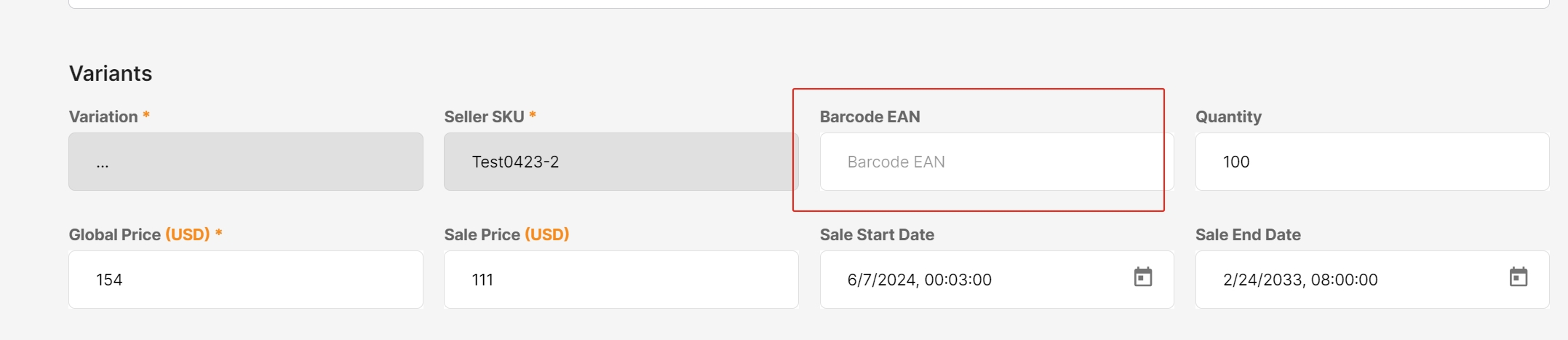
在Barcode EAN 方框出直接填入即可
2.2 批量创建时
仅需确保产品创建的模板中 Barcode_EAN项(Column L)填写正确完整即可。

