
Click here for the video course
1. Product has been created
1.1 Individual update
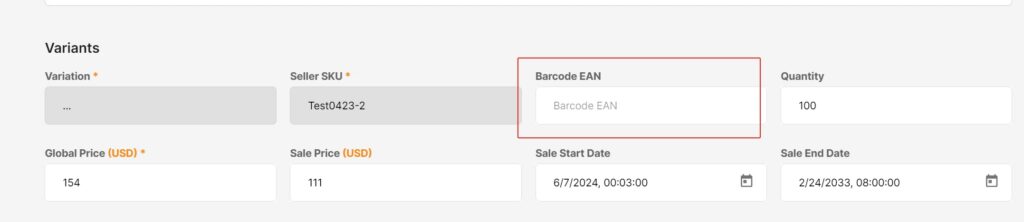
- Click Products – Manage products – Actions – Edit Product.
- Find the Barcode EAN box.
- Enter the GTIN Barcode.
- Click Summit.

1.2 Batch Update:
The steps are as follows:
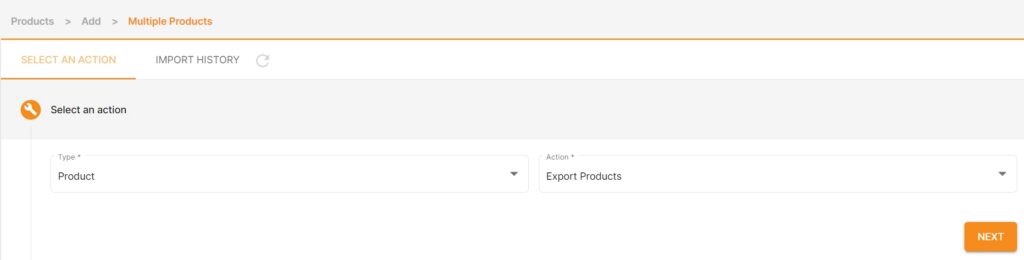
- Click Products -IMPORT / EXPORT.
- Select Product for Type.
- Select Export Products for Action.
- Select Category type.
- Click EXPORT.


2. When creating a product
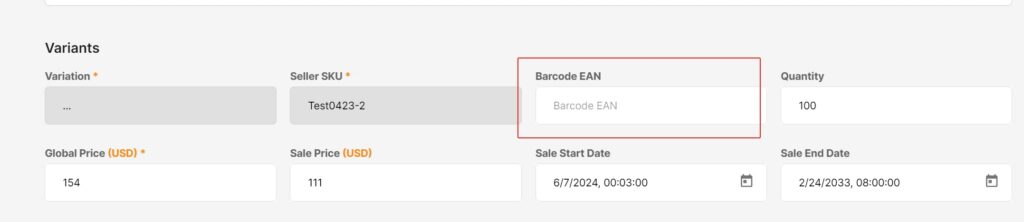
2.1 When creating a single product
Fill it directly in the Barcode EAN box
2.2 When creating in batches
It is only necessary to ensure that the Barcode_EAN item (Column L) in the product creation template is filled in correctly and completely.

