1. Advantages of installing the VC web application on mobile phones
- No need to use a VPN.
- Sellers can track store performance and sales anytime, anywhere.
- Users do not need to download and install it through the app store; they can access it directly through a browser.
- The web-based VC can adapt to the screen sizes and resolutions of different devices.
- The web version usually provides services through the HTTPS protocol to ensure the security of data transmission.
2. Add to mobile home screen– IOS & PadOS operating systems
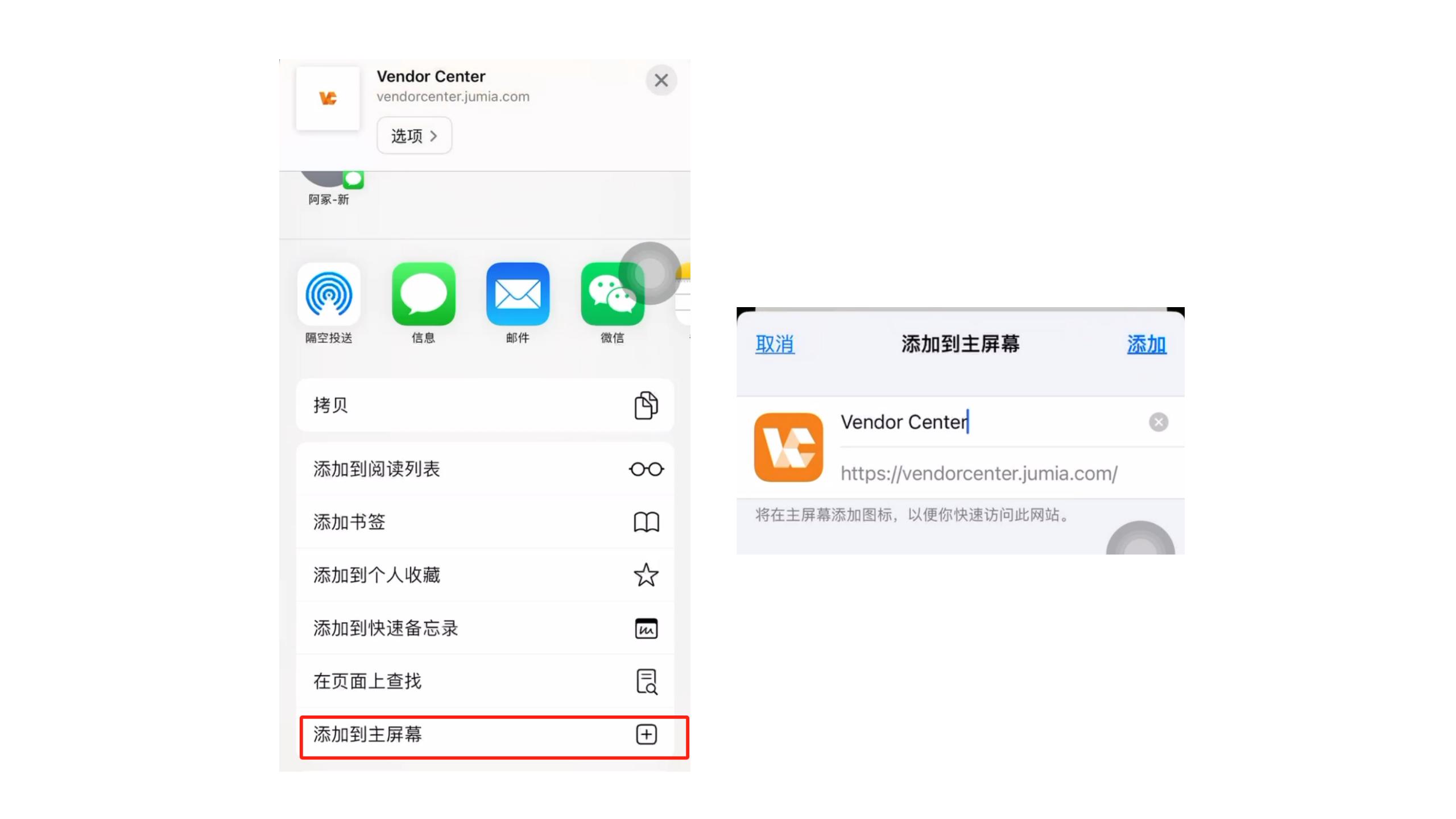
- Open the VC website in Safari: vendorcenter.jumia.com
- Select the upward arrow at the bottom.
- Click “Add to Home Screen”.
- Enter the store name and password, and check “Auto-login”.
3. Add to Home Screen – Android Operating System
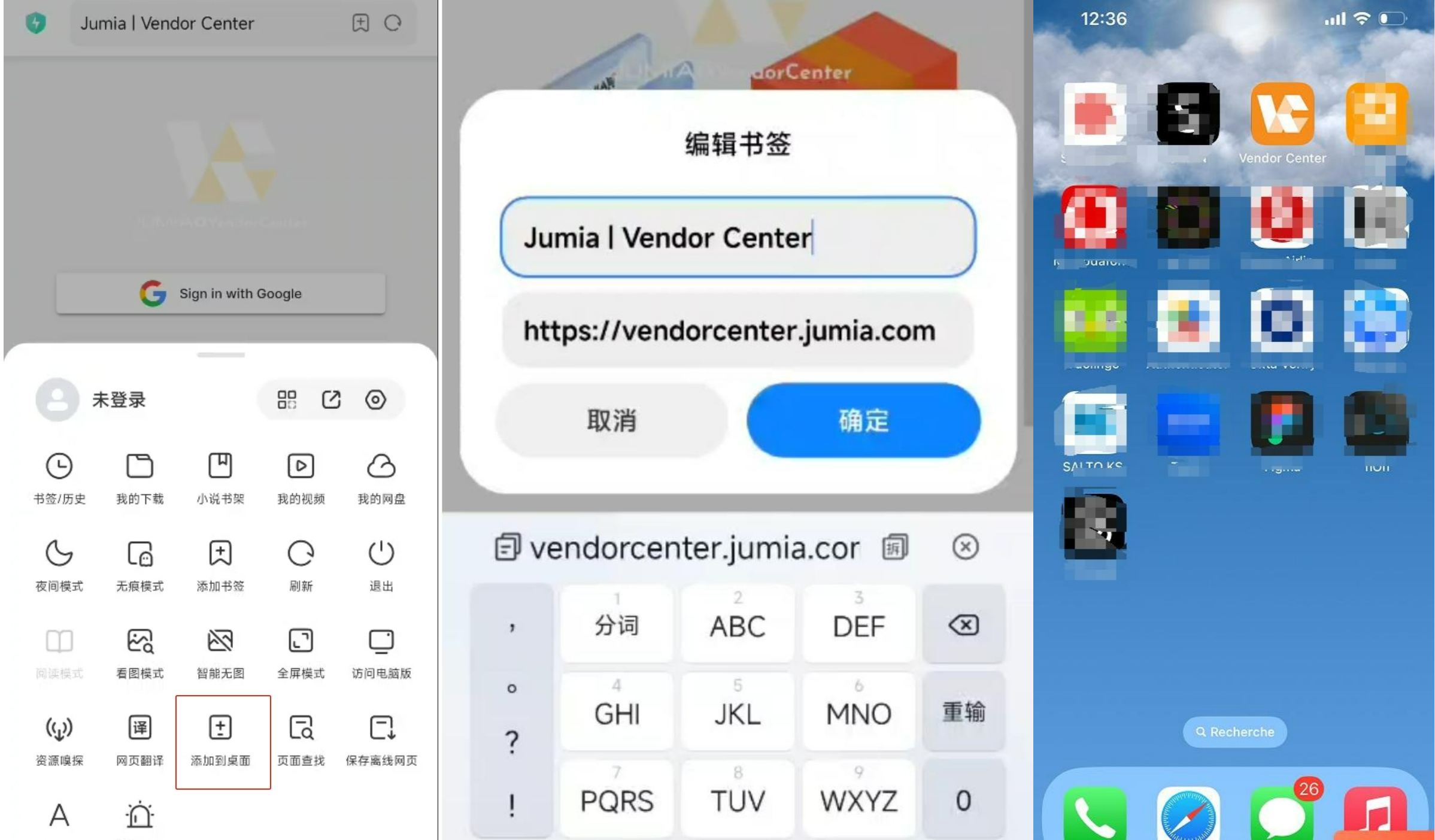
- Enter vendorcenter.jumia.com in the browser to open the page
- Click “Add to Home Screen”.
- Click “OK”.
- After the addition is completed, you can directly see the icon of Jumia Vendor Center on the phone screen.
From now on, you can log in to the Vendor Center seller management center to check orders and perform other operations by directly clicking the icon each time.