
1. Image Definition
What is a main image: The main image is the first image on the product details page and is also displayed in the front-end search and browsing results.
What is a secondary image: Secondary images refer to the 7 images that follow the main image, and their role is to display and explain the main image product from multiple dimensions.
2. Importance of image quality
- High-quality images can effectively help customers evaluate products.
- Jumia ensures professional and accurate product display through strict technical and content standards.
- Images that do not meet the requirements may be rejected, deleted, the product may not be normally synchronized to the front-end, or even cause the product to be removed from the shelves until corrected.
3. Technical specifications for images
Applicable to all product images
| Required items | Basic Requirements | Recommended Standards |
| Image Resolution and Size | Minimum 500×500 pixels
Maximum 2,000×2,000 pixels Maximum image size 2Mb |
Each side is larger than 1,000 pixels |
| Number of pictures | At least 1 piece, at most 8 pieces | 6 pictures + YouTube video (the video is included in the product description) |
| File format | JPEG(.jpg/.jpeg), TIFF(.tif) or PNG(.png) | JPEG(.jpg/.jpeg) |
| Picture content | Clear and non-aliased, no deformation or stretching, no messy watermarks | / |
| Vendor Center Image position | 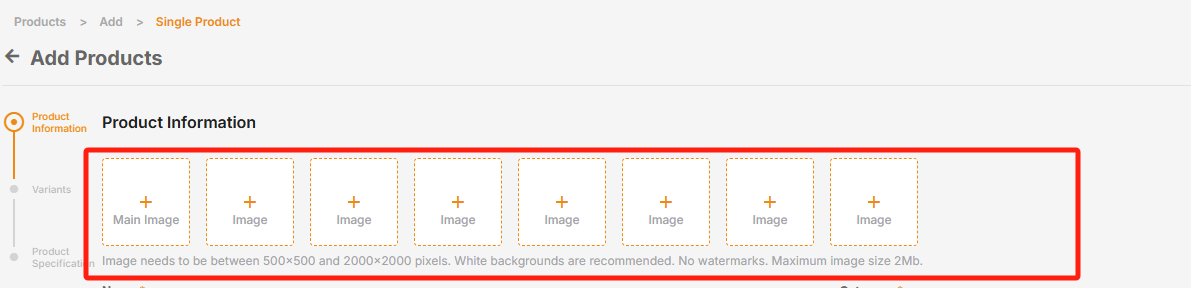 |
/ |
4. Regional Compliance Requirements
All product images must strictly comply with the laws, regulations, and ethical, cultural (including language norms), and religious requirements of the target countries/regions. They must avoid any form of violent, bloody, or similar content. Sellers are responsible for working with the platform to jointly maintain an honest and healthy operating environment.
5. Image Content Specification Requirements
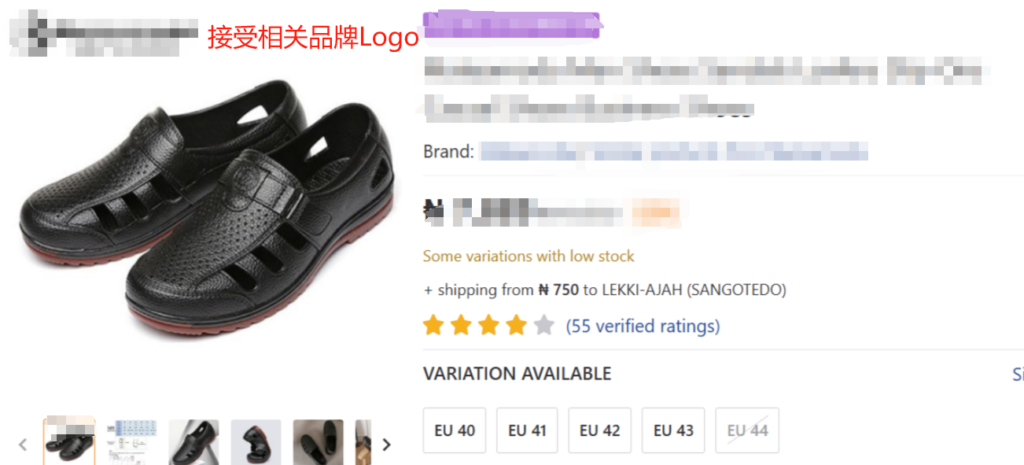
- Use a white background.
- Show the product in its entirety, occupying at least 80% of the image space (do not crop).
- Only display the items for sale (excluding accessories/irrelevant items). Do not display excessive or irrelevant item information in the images.
- All images should be consistent with the product title, color, brand, and description.
- All images accurately display product details.
Example 1:
Example 2:
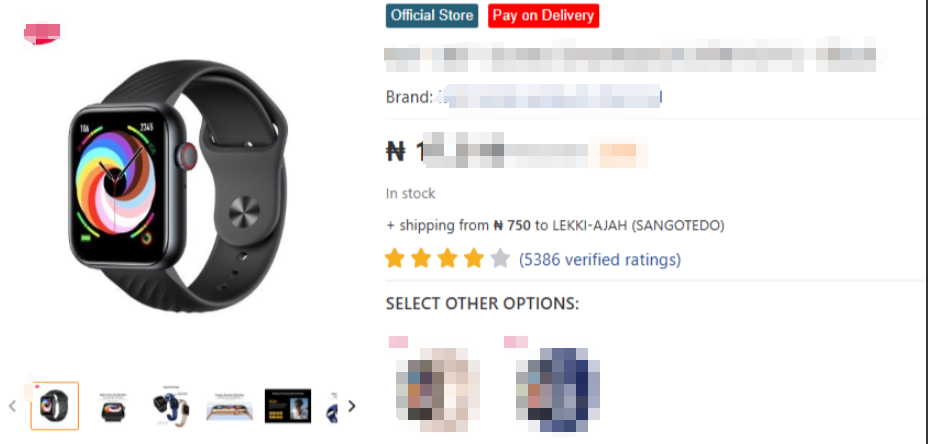
Example 3:
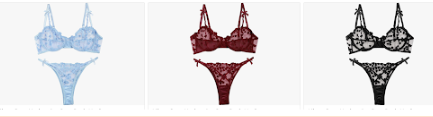
Special Requirements:
1) Mandatory Requirements: All clothing products must provide at least 3 physical pictures from different perspectives, including: front, back, and close-up details.
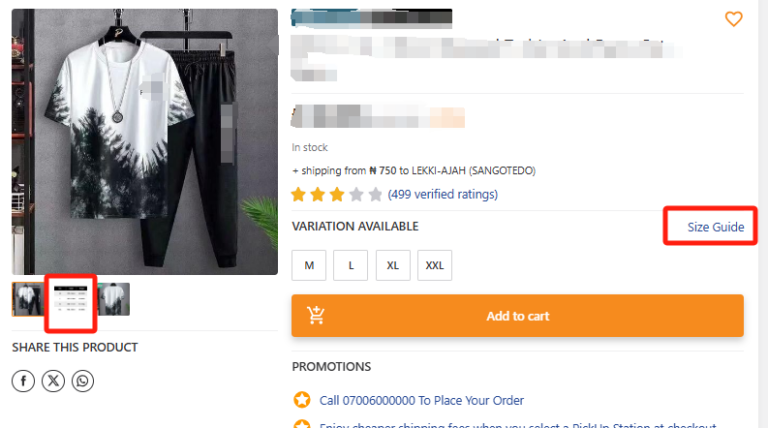
2) Non-mandatory Requirements: For fashion products (such as adult and children’s clothing, shoes, etc.), the product detail page will display the Size Guide recommended by JUMIA. If the actual size of your product does not match the size guide recommended by JUMIA, please upload your correct size chart in the product picture list (it is recommended to place it in the position of the second picture, avoiding placing it only in the product description). In this way, customers can intuitively compare size information at the first time when browsing products, thereby reducing returns and exchanges caused by inconsistent sizes.
- Adding text (e.g., price, reviews), irrelevant logos, watermarks, or promotional information (e.g., “Top Seller”/”Hot Sale”).
- The main image contains multi-angle collages or non-sale items (please add more descriptive secondary images to show different angles).
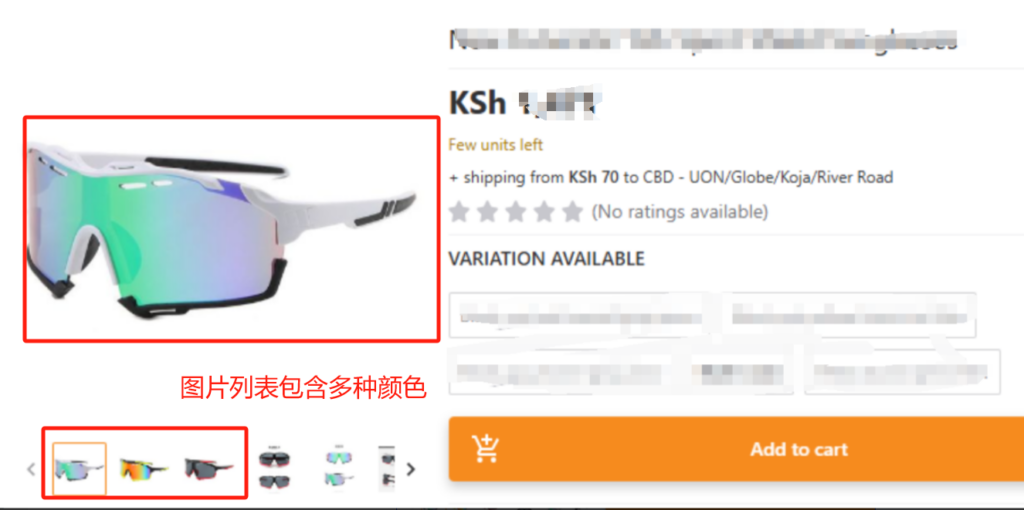
- The image list contains multiple product colors that do not match the color attributes.
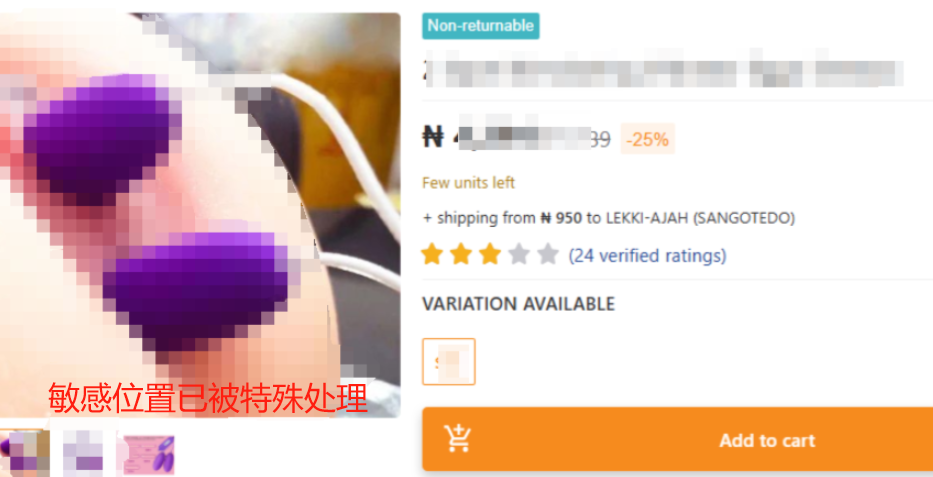
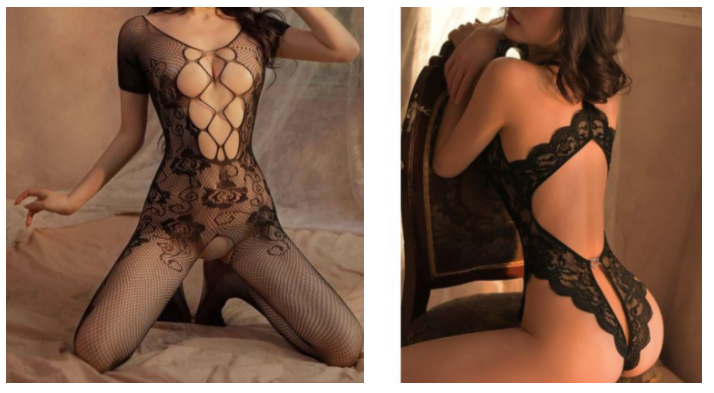
- Images contain nude models or sexually suggestive content.
- Using models for sex toys/erotic products.
- Showing signs of second-hand use/wear.
- Listing infringing images in the image list.
- Using image editing tools such as Photoshop to hide details in product images that do not match the actual product (e.g., logos, signs of wear, etc.).
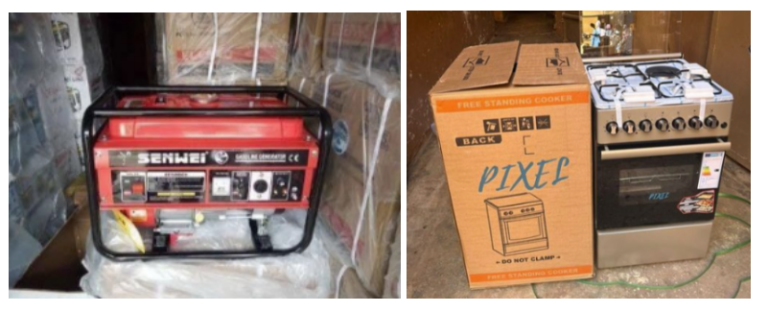
- Cluttered product backgrounds (visible warehouse items, boxes, or personal items).
- Poor composition and lighting.
- Using images of products displayed on a bare surface or placed on a simple countertop.
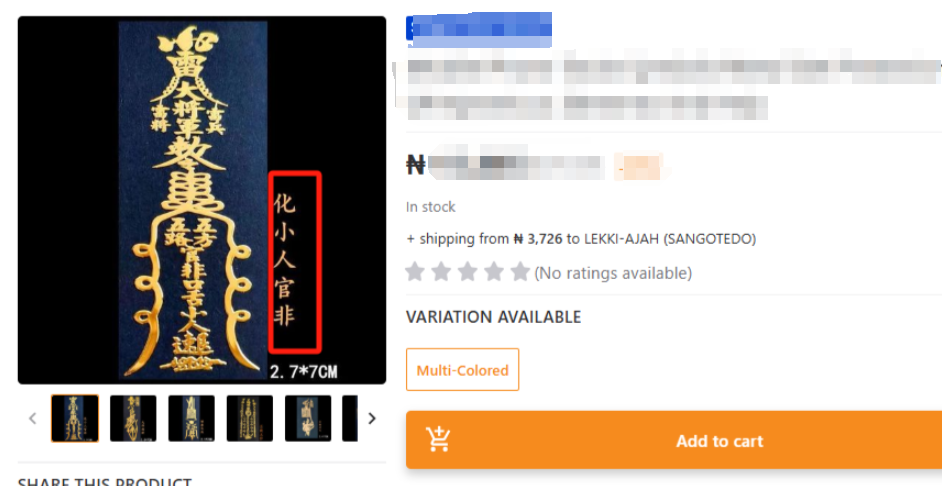
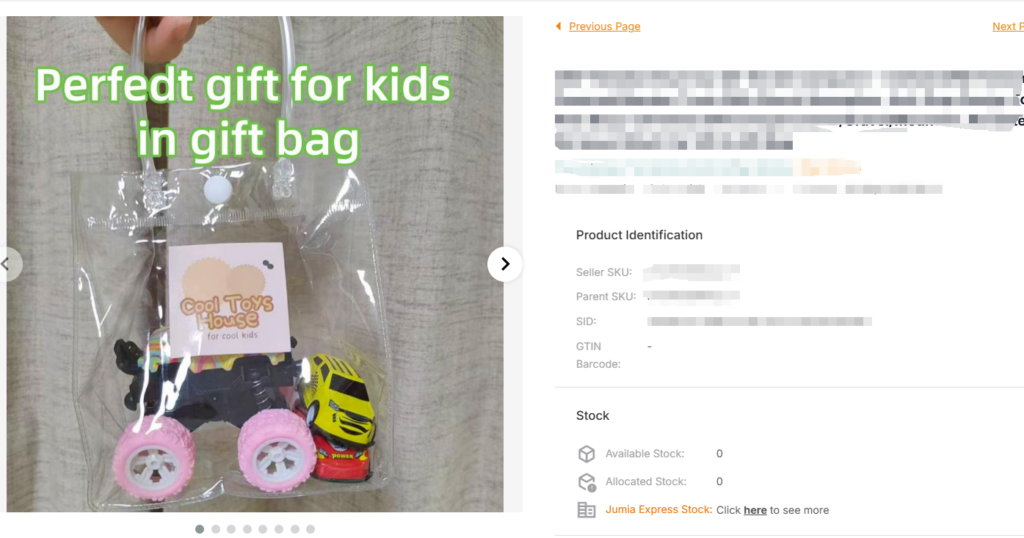
Violation Example 1 -> Images with added text (such as prices, reviews), irrelevant logos, watermarks, or promotional information
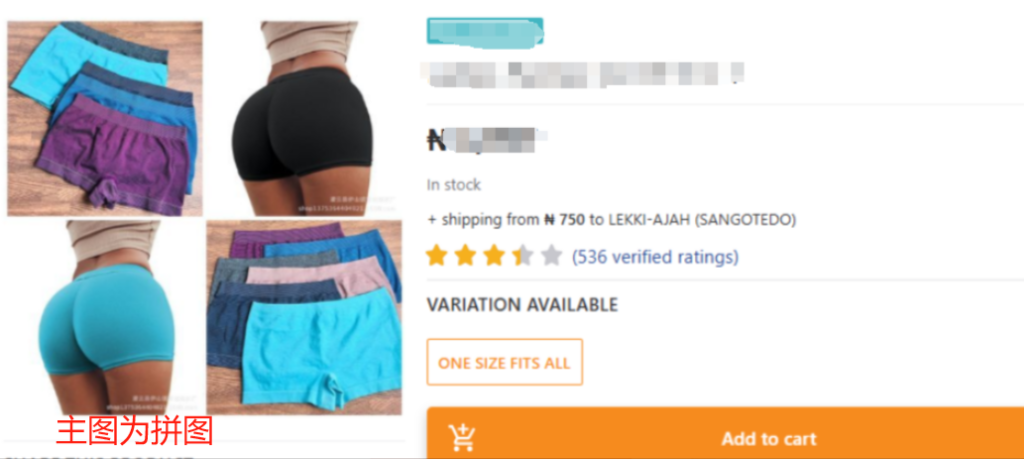
Violation Example 2 -> The main image contains a multi-angle collage
Violation Example 3 -> The image list contains multiple product colors, confusing the main image
Violation Example 4 -> Contains nude human models or sexually suggestive content
Violation Example 5 -> The product background is cluttered (visible warehouse items, cartons, or personal belongings)
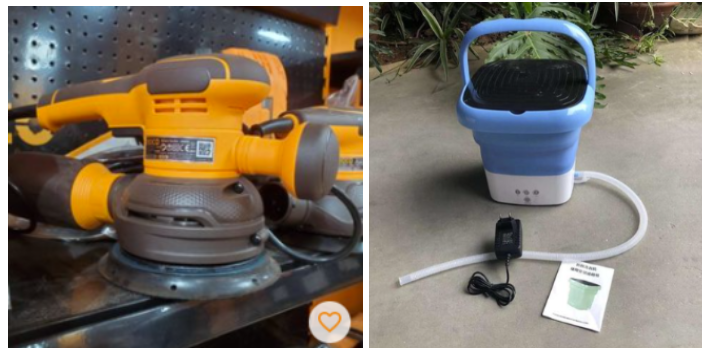
Violation Example 6 -> Using pictures where the product is placed on the spot or on a simple countertop, and similar images
 6. Seller Risk Reminder
If the uploaded images do not meet the technical specifications, sellers will face the following risks:
- SKU QC inspection rejection (e.g., damaged images/stretched images/blurred images).
- The system cannot synchronize to the front-end sales interface.
- The product will be removed from the shelf until the issue is corrected.
If the uploaded images do not meet the compliance and content specifications, Jumia will take corresponding measures based on the severity of the circumstances, including but not limited to:
- Direct removal of the product from the shelf.
- Backend prohibition of applying for Consignment Orders.
- Direct refusal of the product to enter the warehouse.
- Return of inventory goods.
- Imposition of infringement fines and other measures.
7. Recommendations and Requirements for Image Shooting by Category
| Product category | Suggestions on shooting angles |
| Shoes | 1. Main perspective (right shoe) — displayed at a 45-degree angle to show the overall shape
2. Front view (right shoe) — shot directly at the toe to show the upper design 3. Back view (right shoe) — for sports shoes, the sole pattern needs to be shown 4. Overhead shot (a pair) — placed in pairs with the toes forming a V-shape Special requirement: For sandals, a close-up of the anti-slip pattern on the sole should be added |
| Clothing | 1. Front photo of the model and back photo of the model — the model stands naturally with hands hanging down
2. Close-up of details — neckline, cufflinks, hem stitching, waist label, pocket embroidery, trouser hem locking 3. Size chart (in line with the body size of African consumers, it is recommended to use European size standards) 4. Flat lay photo — the clothing needs to be ironed flat 5. Matching display Note: Swimsuit products must be photographed using mannequins Special attention –> For swimsuits and underwear products: – The main picture must have no models (refer to Example 3) – Pictures must not show offensive gestures or behaviors – The content must not be degrading or indecent – Only the front display of the product is allowed to illustrate how the product is worn from the front, and must not expose inappropriate nudity or sexually suggestive content – All pictures must be professional, neutral, and focus only on the product |
| Luggage accessories | 1. Main perspective
2. Display from various sides 3. Close-up of details – shooting in the open state: showing the lining material 4. Display of internal space: put in A4 paper to show the capacity (for briefcase type) |
| Mobile phones and tablets | 1. Front side
2. Back side 3. Side thickness 4. Close-up of the camera 5. Close-up of the interface (the plug type of the charger needs to be shown) 6. Scene picture – taken when powered on (the screen displays a solid color background) |
| Household appliances | 1. Front side
2. Back side 3. Close-up of core functions 4. Internal structure (internal lighting, temperature control panel) 5. Usage scenarios 6. Energy efficiency label |
| Other products | 1. Front close-up
2. Back 3. Side 4. Detailed features 5. Function demonstration 6. Usage scenarios |
